
Running a remote agency means juggling client deliverables, distributed team members across time zones, and the constant pressure to keep projects on track without the luxury of tapping someone on the shoulder. The wrong project management tool makes all of that harder. The right one becomes the operational backbone your agency actually runs on.
To build this list, each platform was evaluated against criteria that matter specifically to remote agencies: async-first collaboration (comment threads, activity feeds, notification control), native time tracking and resource allocation, client visibility features, integration depth with tools remote teams already use, and pricing transparency as teams scale. AI capabilities, market recognition, and third-party validation rounded out the assessment.
These aren't generic picks. Every recommendation reflects how well a platform handles the real friction points of distributed agency work.
Quick Picks
- ClickUp: Best for remote agencies seeking an all-in-one platform. Combines time tracking, resource allocation, async collaboration, and a native client portal in a single workspace.
- Asana: Best for agencies prioritizing intuitive UX and stakeholder communication. Gartner Magic Quadrant Leader with 300+ integrations and proven async workflows.
- Wrike: Best for cross-functional agencies with complex dependencies. Built-in client proofing, billable hour tracking, and resource management purpose-built for professional services.
- Monday.com: Best for visual project tracking with AI-powered automation. Flexible templates and a Sidekick AI assistant support diverse agency workflows.
- Jira: Best for tech-heavy agencies with DevOps or software development workflows. 3,000+ integrations and Rovo AI agents, but expect a learning curve for non-technical teams.
- Smartsheet: Best for enterprise-scale resource planning and client portals. Strong portfolio management, but pricing lacks transparency for mid-market agencies.
- SmartSuite: Best for globally distributed agencies needing compliance and multi-language support. Enterprise Work OS with portfolio management, but requires validation for pure PM use cases.
- Teamwork: Best for agencies wanting transparent per-user pricing and a free entry point. Agency-specific positioning, though direct feature validation is limited.
1. ClickUp
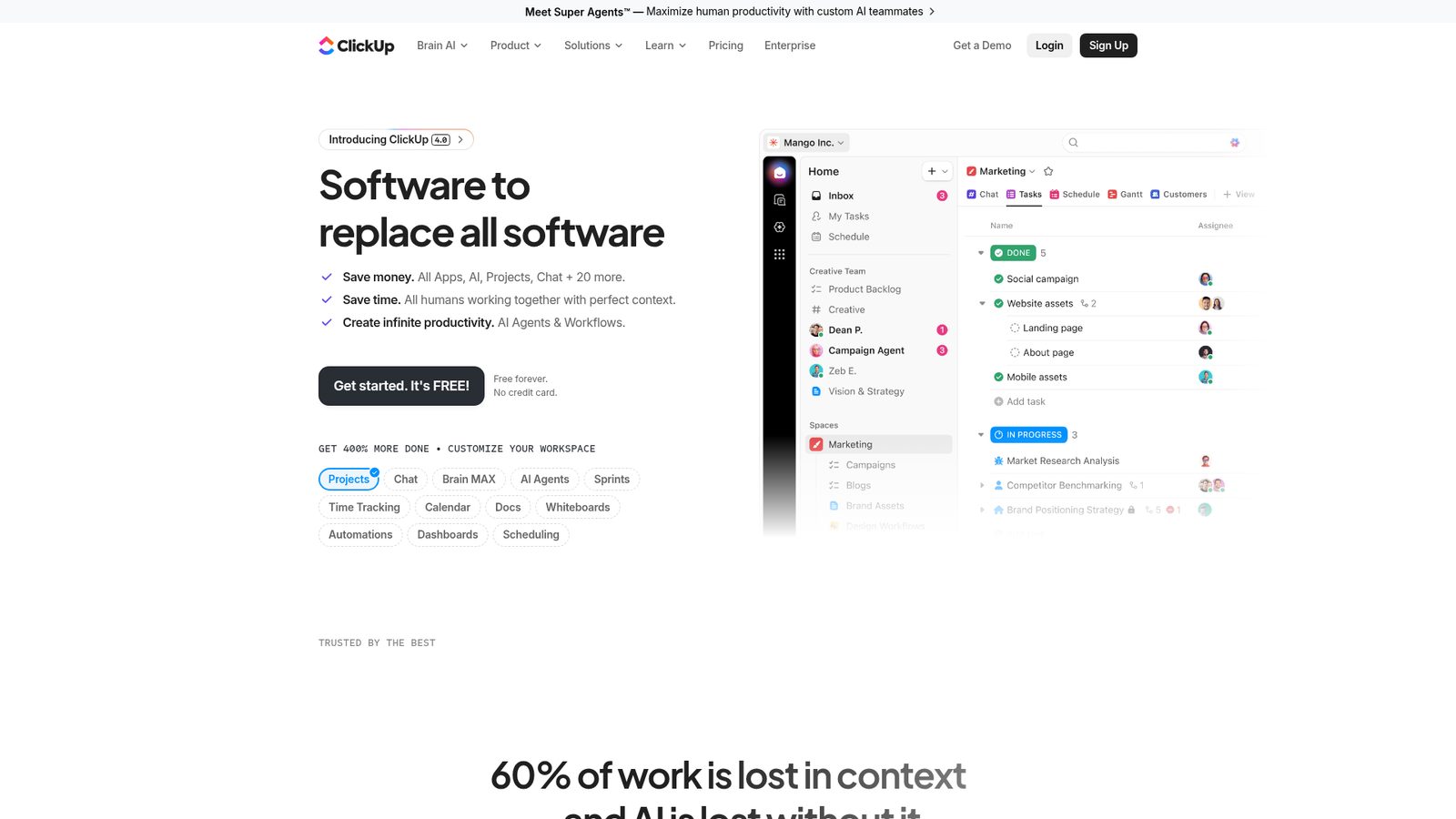
Best for: Remote agencies seeking an all-in-one platform with flexible task management, time tracking, and resource allocation.
ClickUp earns the top spot by solving the problem most remote agencies face first: tool sprawl. Instead of stitching together separate apps for time tracking, task management, client communication, and file storage, ClickUp consolidates them into a single workspace. For distributed teams, that consolidation isn't just convenient, it's operationally critical.
Highlights
- Native time tracking and resource allocation built directly into the platform
- Async-first collaboration with comment threads, activity feeds, and in-task chat
- Client portal via the Guests feature keeps external people involved informed without exposing internal workflows
- Five project views (Gantt, Kanban, Calendar, Spreadsheet, Mind Map) adapt to any agency workflow
- 50+ integrations covering Slack, Google Drive, Dropbox, Figma, Gmail, and GitHub
Key Features
- AI Brain agents (2026) automate task assignment, project intake, and status updates for distributed teams
- Customizable workspaces with custom fields and automations reduce reliance on external configuration tools
- Freemium entry point with no credit card required, making it accessible for SMB agencies
- Comment threads and activity feeds keep async communication inside the task context
Pros
- Replaces multiple tools with one platform, reducing context-switching for remote teams
- Guests feature gives clients visibility without compromising internal project data
- Freemium tier lowers the barrier for smaller agencies evaluating the platform
- Rated 4.7/5 by 10,000+ G2 users, with Forrester TEI research citing 384% ROI and 92,400 hours saved
Cons
- Feature breadth across 100+ products can create a steep learning curve without a dedicated admin
- AI Brain agents are newly released in 2026; real-world validation for remote agency workflows is still early
Pricing/Value
- Free tier available with no credit card required
- Unlimited: $10/month per user
- Business: $19/month per user
Best Fit
ClickUp is the strongest choice for remote agencies that want to consolidate their toolstack and need async collaboration, time tracking, and client visibility all in one place. Visit ClickUp to explore plans and start with the free tier.
2. Asana
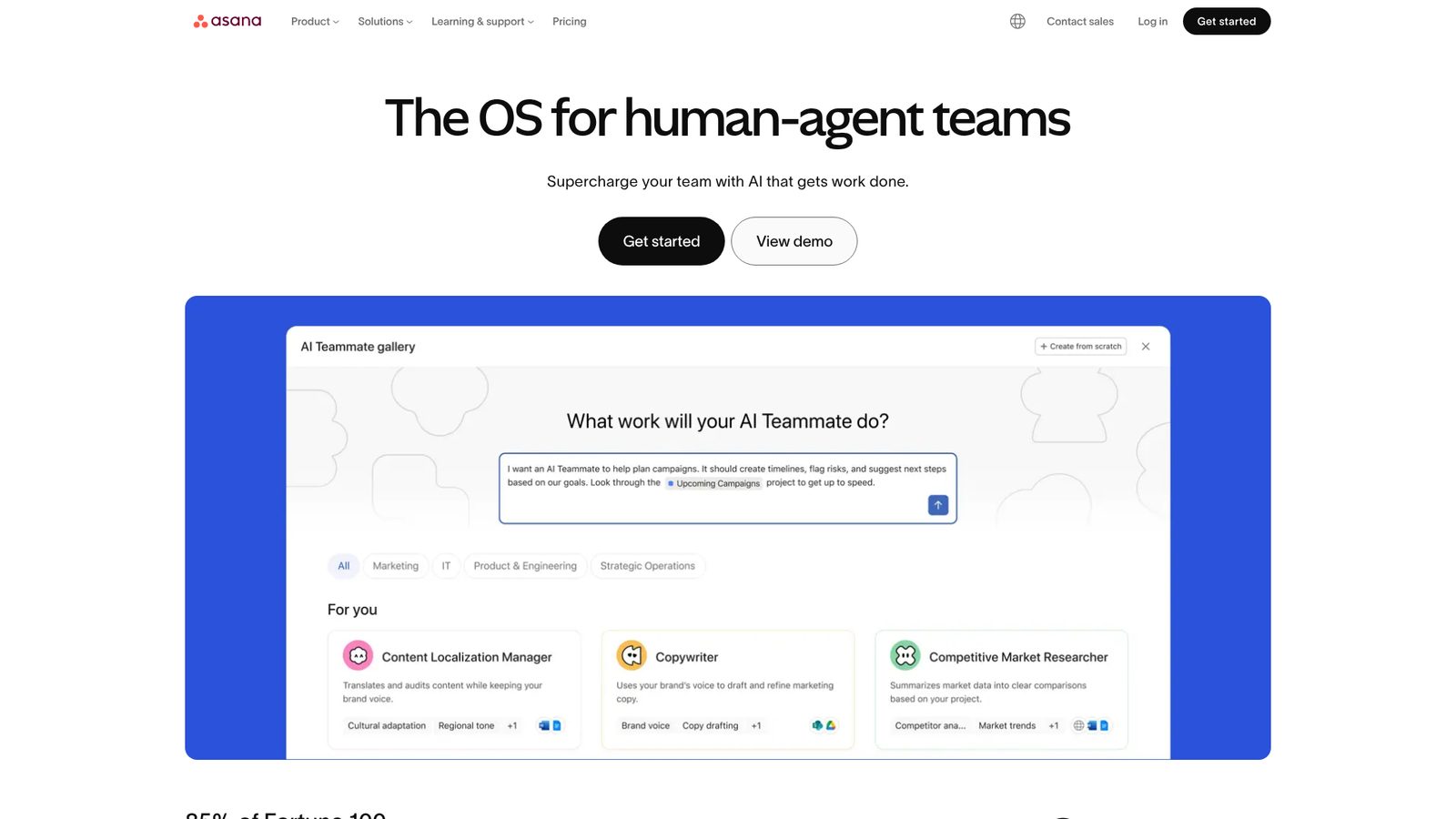
Best for: Remote agencies prioritizing intuitive UX, timeline visualization, and stakeholder communication.
Where ClickUp competes on feature breadth, Asana wins on polish and proven enterprise credibility. It's the platform agencies reach for when the team needs something they can actually onboard quickly, and when stakeholder communication has to be airtight across time zones.
Highlights
- Native async collaboration through comment threads and activity feeds designed for distributed time zones
- Four project views (timeline, list, board, calendar) give teams flexibility in how they track work
- 300+ integrations including Slack, Google Drive, Salesforce, Microsoft Teams, and Outlook
- Recognized as a leader in both the 2025 Gartner Magic Quadrant and Forrester Wave for Collaborative Work Management
Key Features
- AI Teammates feature automates task workflows and reduces manual coordination overhead
- Resource planning and goal management capabilities support capacity allocation across concurrent projects
- Scales from small teams to enterprise, with 85% of Fortune 100 companies on the platform
- Asana Gov offering for compliance-sensitive agency environments
Pros
- Intuitive interface reduces onboarding friction for distributed teams unfamiliar with complex PM tools
- Gartner and Forrester recognition provides third-party validation of enterprise-grade reliability
- Extensive integration ecosystem connects Asana to the tools remote agencies already use daily
- Timeline view is particularly strong for visualizing project dependencies and communicating deadlines to people involved
Cons
- Per-user pricing scales with team size; no flat-rate option for agencies with fluctuating headcount
- No explicit evidence of a native client portal; client handoff workflows may require workarounds
Pricing/Value
- Personal: $0/month (up to 2 users)
- Starter: $13.49/month per user (no seat minimums)
- Advanced: $30.49/month per user (unlimited portfolios)
Best Fit
Asana suits agencies where the team's ability to adopt a tool quickly matters as much as feature depth. If your stakeholder communication needs are high and you're already embedded in the Google or Microsoft ecosystem, it's a natural fit. Visit Asana to see how it handles your team's workflow.
3. Wrike
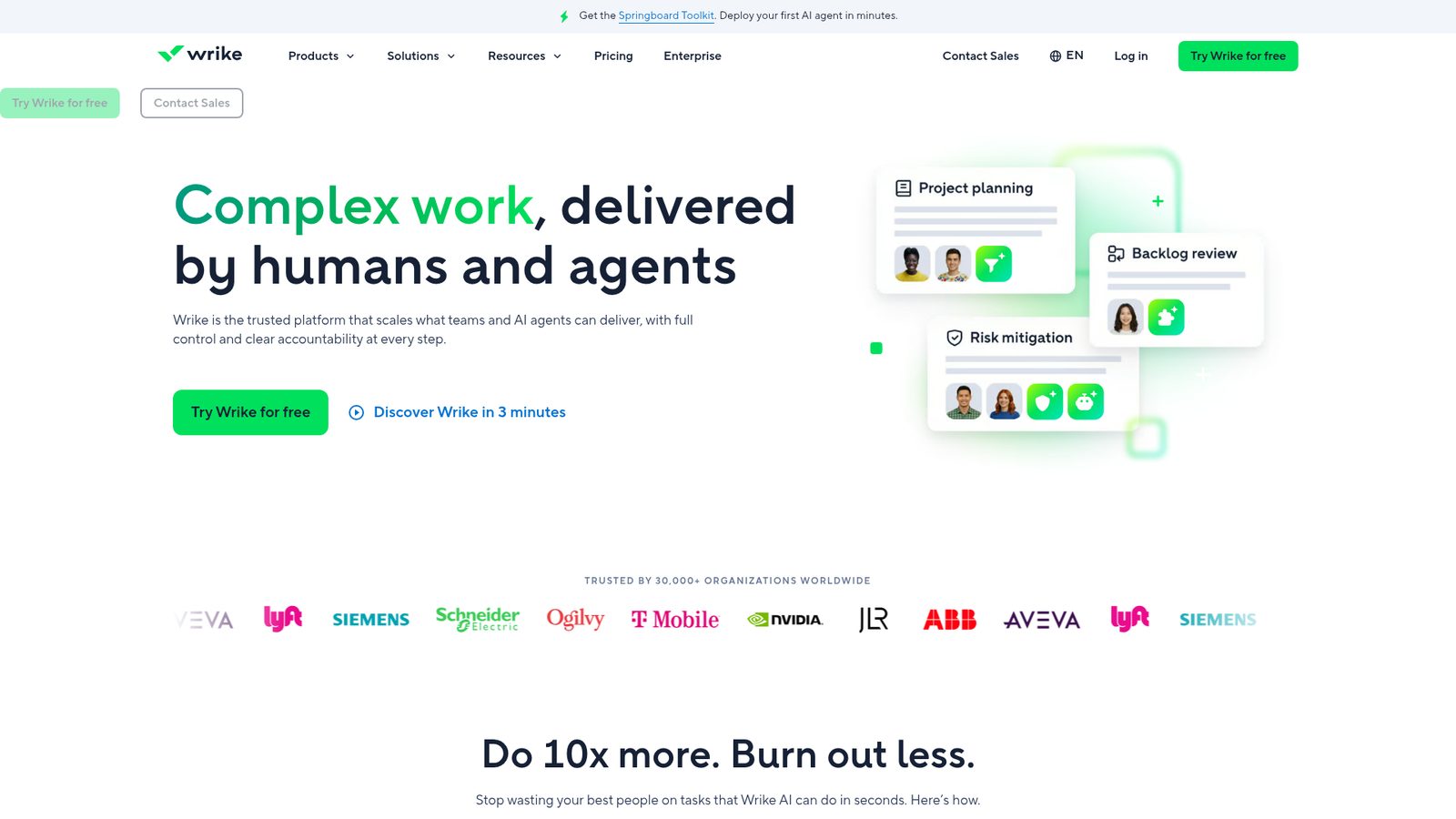
Best for: Cross-functional remote agencies with complex project dependencies and client visibility needs.
Choose Wrike when your agency manages multiple clients simultaneously, tracks billable hours religiously, and needs a structured approval process before deliverables leave the building. It's purpose-built for professional services teams in a way most general PM tools aren't.
Highlights
- Native client proofing and approvals workflow built in for agency deliverable handoff
- Resource management and allocation across projects with explicit agency use case positioning
- Gantt charts for visualizing and managing complex project dependencies
- Advanced analytics and AI-driven dashboards for both internal and client-facing reporting
- Officially positioned for professional services: "Track billable hours, monitor budgets, and manage resource allocation with ease"
Key Features
- Integrated time tracking supports billable hour reporting without a separate tool
- Workflow automation and custom item types standardize repeatable agency processes
- Mobile apps available, supporting remote-first team operations
- Scales from 2 to 200+ users across distributed teams
Pros
- Built-in proofing and approvals directly address the client handoff bottleneck agencies face most
- Resource allocation and Gantt charts handle multi-project complexity better than most general-purpose tools
- Explicit professional services positioning means fewer workarounds to make it fit agency workflows
Cons
- Per-user pricing at $10 to $25/month scales quickly for larger remote teams
- Async collaboration features like comment threads and notification controls are not explicitly documented
Pricing/Value
- Free: $0/month (web, desktop, and mobile apps; project and task management)
- Team: $10/month per user (2 to 15 users)
- Business: $25/month per user (5 to 200 users)
Who Should Choose This
Wrike is the right call for agencies where client approval cycles, billable hour tracking, and multi-project resource balancing are daily realities. The free tier lets you validate fit before committing. Visit Wrike to explore its professional services features.
4. Monday.com
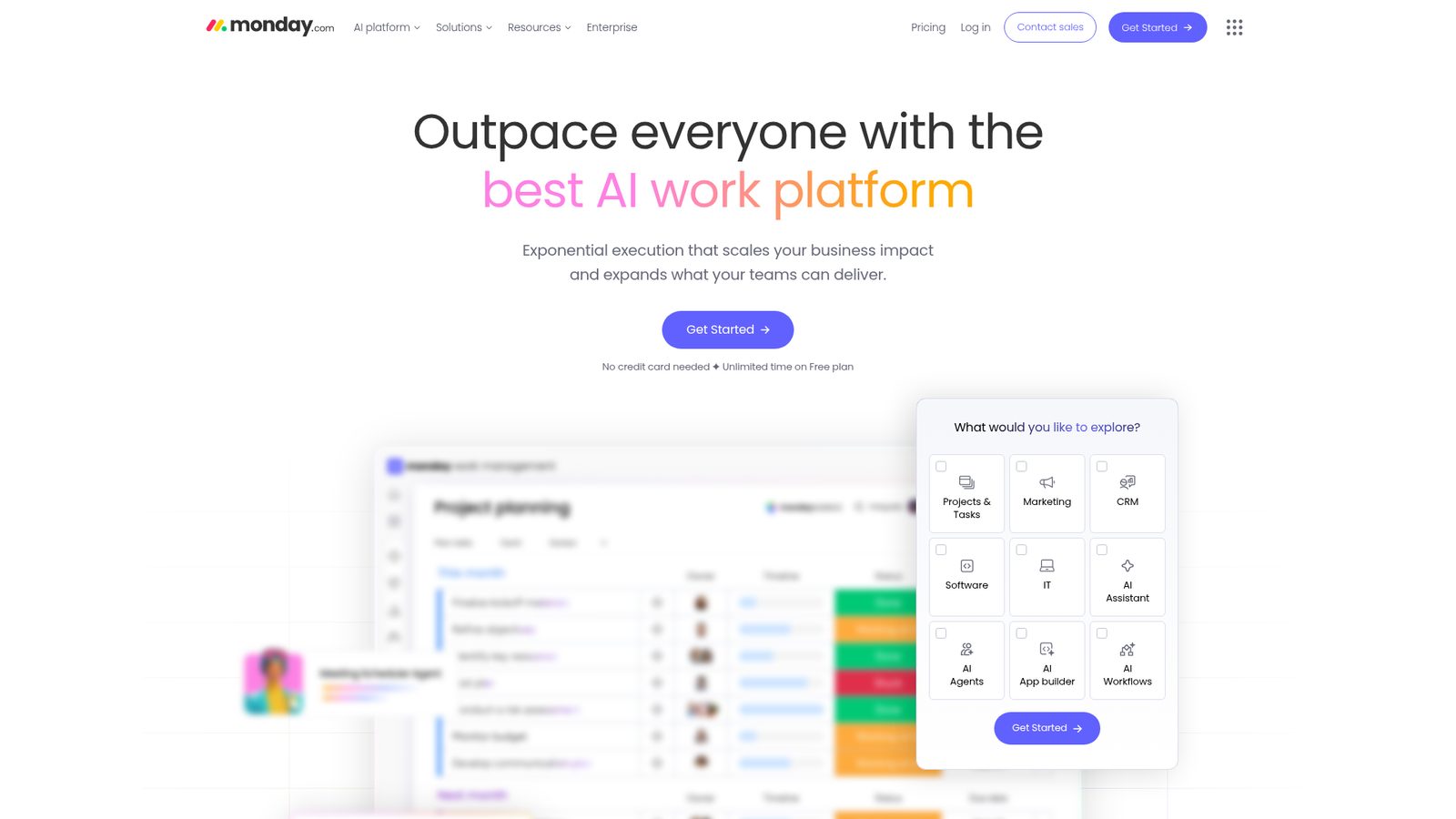
Best for: Remote agencies needing visual project tracking, automation, and team collaboration with flexible workflows.
Monday.com's strength is versatility. Whether your agency runs content calendars, event planning, bug tracking, or standard project delivery, the template library gets you operational fast. The AI-powered Sidekick assistant and autonomous workflows reduce the manual coordination burden that slows distributed teams down.
Highlights
- Flexible template system covers content calendars, event planners, project trackers, and more
- Built-in Sidekick AI assistant and autonomous workflows reduce manual task management
- Visual board-based interface supports async status transparency across time zones
- Supports multiple work domains (Projects, Marketing, CRM, IT, Software) for multi-service agencies
- Confirmed in 4+ Tier 1 search results, including remote-team-specific coverage
Key Features
- Kanban, timeline, and table views support diverse project visualization needs
- AI Agents and autonomous workflow automation handle repeatable processes without manual triggers
- Per-seat pricing scales with team size without hidden minimums
- Broad use case coverage enables single-platform consolidation for agencies serving multiple verticals
Pros
- Template library dramatically shortens setup time for new project types
- AI-powered automation reduces administrative overhead for distributed teams
- Transparent per-seat pricing makes cost forecasting straightforward as the team grows
Cons
- No explicit evidence of a client portal or external stakeholder visibility features
- Resource allocation, capacity planning, and workload balancing not documented in available materials
- Integration ecosystem details not confirmed in available evidence
Pricing/Value
- Free tier available
- Basic: $9/seat/month (billed annually)
- Standard: $12/seat/month (billed annually)
- Pro: $19/seat/month (billed annually)
Best Fit
Monday.com fits agencies that prioritize visual clarity and automation over deep resource management. If your team cycles through diverse project types and needs to spin up new workflows quickly, it's a strong contender. Visit Monday.com to explore its template library.
5. Jira
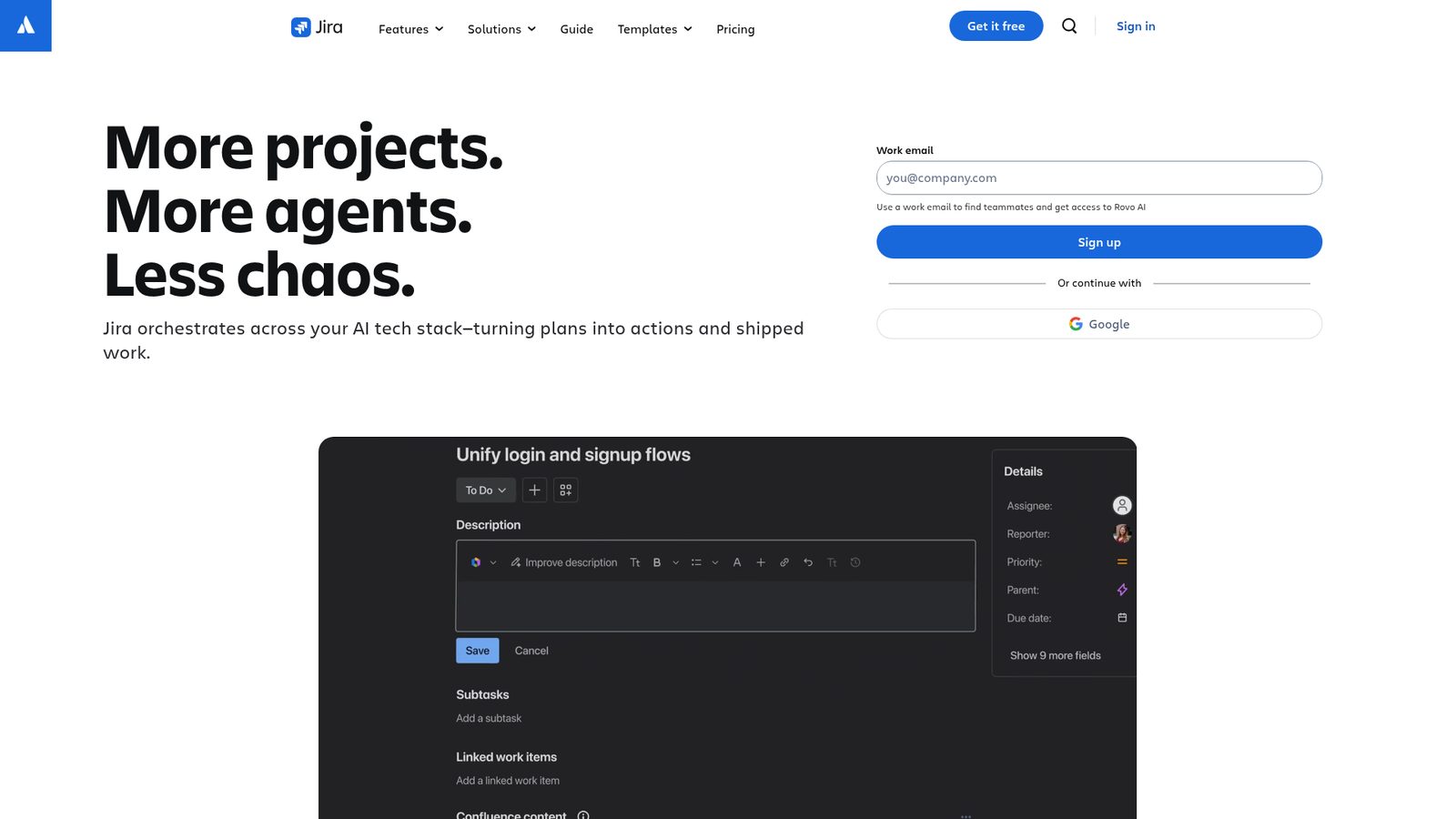
Best for: Remote agencies with technical teams, software development workflows, or DevOps-heavy operations.
Jira's async-native architecture and 3,000+ integration ecosystem make it genuinely powerful for distributed teams. The 2026 Rovo AI agents automate status updates and progress summaries, which directly addresses the async communication overhead that slows remote agencies down. The catch: if your team doesn't speak Agile, the learning curve is real.
Highlights
- Comment threads, activity feeds, and notification control built natively into every workflow
- No-code automation and custom workflows adapt to non-standard agency processes
- 3,000+ integrations including Slack, GitHub, Figma, Google Docs, HubSpot, and Intercom
- Gartner 2025 Magic Quadrant Leader in both Collaborative Work Management and DevOps Platforms
- Documented enterprise use by Reddit, Roblox, Lumen, and DHCS
Key Features
- Rovo AI agents (Spring 2026) automate status updates, summaries, and progress communication for distributed teams
- MCP (Model Context Protocol) support enables AI agent integration across the broader toolstack
- Flexible workflows support marketing sprints, service delivery, and incident tracking alongside development use cases
- Standard tier includes Rovo Search, Chat, and Agents with user roles and permissions
Pros
- Deepest integration ecosystem on this list at 3,000+ connections
- Async-native design handles distributed time zones without requiring synchronous workarounds
- Rovo AI reduces administrative overhead for teams managing high-volume project communication
Cons
- Developer-centric terminology (sprints, issues, releases) creates friction for creative and service-focused agency teams
- Client portal functionality is not explicitly documented; may require a separate Jira Service Management product
- Flexible customization depth can lead to over-configuration without a dedicated admin
Pricing/Value
- Standard: $13.08/month per user (annual billing)
- Premium: $28.08/month per user (annual billing)
Who Should Choose This
Jira is the right choice when your agency has a technical core, works with development clients, or needs the deepest integration ecosystem available. Creative-only agencies should evaluate carefully before committing. Visit Jira to see how Rovo AI fits your team's workflow.
6. Smartsheet
Best for: Remote agencies with complex resource allocation, capacity planning, and enterprise-scale project tracking.
Why it ranks here: Smartsheet offers something most tools on this list don't explicitly provide, a dedicated client collaboration portal paired with enterprise-grade resource planning. For agencies managing large portfolio workloads across multiple clients, that combination is genuinely differentiated. The trade-off is complexity and pricing opacity.
Highlights
- Dedicated client collaboration portal for B2B client delivery without exposing internal operations
- Cross-team resource planning and workload balancing across concurrent projects
- Gantt, Kanban, and dashboard views support async-friendly, role-based workflows
- Broad integration ecosystem: Slack, Salesforce, Microsoft, Google, Dropbox, Jira, Tableau, Workday, SAP
- Explicitly positioned for services delivery with "resource utilization and forecasting"
Key Features
- AI-powered reporting and insights for both internal PMO and client-facing analytics
- Portfolio-level dashboards enable cross-project visibility for agency leadership
- Scales to enterprise PMO use cases with IT portfolio and operations management solutions
- Integrates with 30+ enterprise and SaaS tools across the standard agency stack
Pros
- Client collaboration portal directly addresses the need for external stakeholder visibility
- Enterprise-scale resource planning and workload balancing outperform most general PM tools
- Integration depth with enterprise platforms (SAP, Workday, Tableau) suits agencies serving large corporate clients
Cons
- Spreadsheet-centric architecture may feel heavy for agencies seeking a lightweight PM experience
- Pricing is custom and contact-required; lacks transparency for mid-market agencies evaluating costs
Pricing/Value
- Enterprise tier with custom pricing; contact Smartsheet for a quote Free trial available
Best Fit
Smartsheet makes sense for larger agencies with complex portfolio management needs, dedicated ops staff, and enterprise clients who expect formal reporting. Smaller agencies may find it more infrastructure than they need. Visit Smartsheet to assess whether the enterprise feature set justifies the investment for your team.
7. SmartSuite
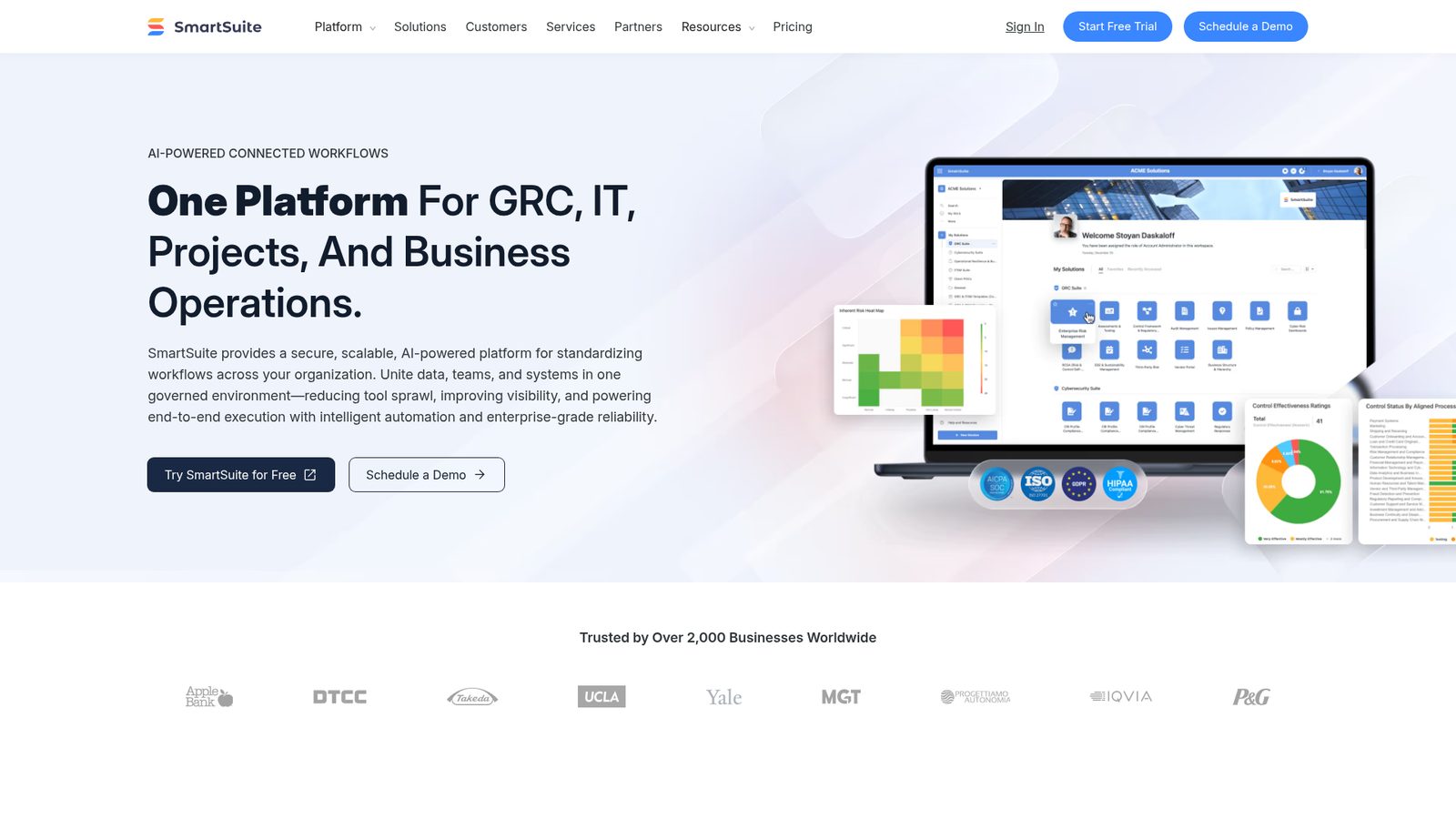
Best for: Remote teams prioritizing resource and stakeholder visibility, async collaboration, and an all-in-one platform.
Quick verdict: SmartSuite is the most compliance-ready and globally capable platform on this list, with SOC 2 Type II, ISO 27001, GDPR, and HIPAA alignment alongside support for 15 languages and deployment in 100+ countries. For distributed agencies operating across regulatory environments or serving international clients, that matters. What's less clear is how it compares to purpose-built PM tools for day-to-day agency project execution.
Highlights
- Explicitly positioned for remote teams with connected workflows and distributed team UX
- Portfolio and financial management alongside project execution, with OKR tracking
- Enterprise-grade compliance: SOC 2 Type II, ISO 27001, GDPR, and HIPAA alignment
- Multi-language support (15 languages) and global deployment across 100+ countries
- AI-native architecture with intelligent automation for workflow standardization
Key Features
- Portfolio and program execution modules support multi-project agency oversight
- U. S. and EU data center options address data residency requirements for international clients
- Scalable from startup to enterprise with consistent governance controls
- Unified data model reduces tool sprawl across GRC, IT, project management, and business operations
Pros
- Strongest compliance posture on this list for agencies operating in regulated industries
- Multi-language and multi-region support suits genuinely global distributed agencies
- Portfolio and financial management features go deeper than most project-focused competitors
Cons
- Platform spans GRC, IT service delivery, and business operations equally with project management; pure PM maturity requires validation
- No independent agency case studies or third-party user feedback available to verify remote agency fit
- Seat minimums and client portal costs not transparently published
Pricing/Value
- Team: $15/user/month (billed annually)
- Professional: $32/user/month (billed annually) Enterprise: Custom pricing
Who Should Choose This
SmartSuite suits compliance-sensitive or globally distributed agencies that need a single platform spanning project management, portfolio oversight, and business operations. Agencies with straightforward PM needs should validate feature maturity before committing. Visit SmartSuite to explore its Work OS capabilities.
8. Teamwork
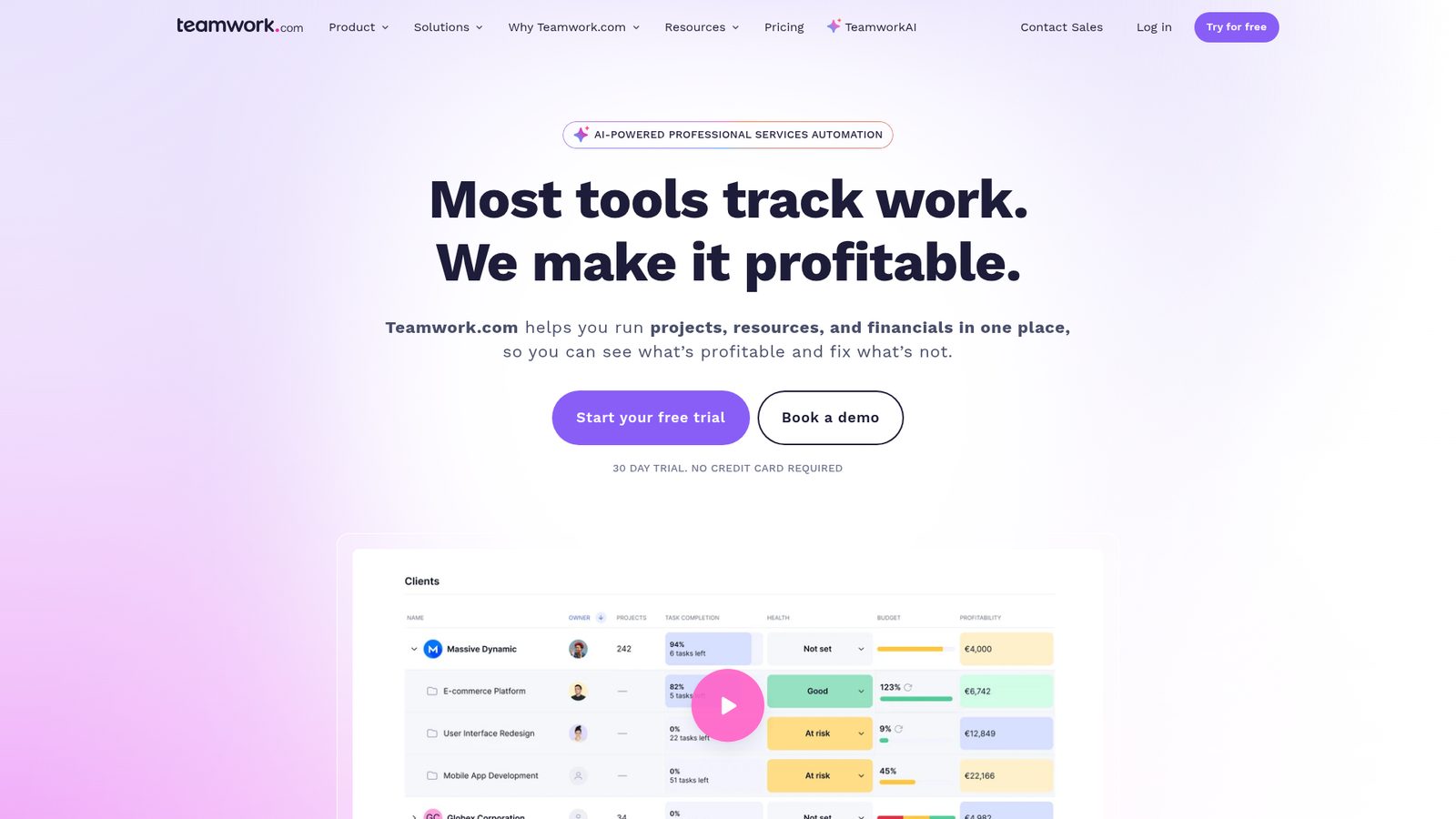
Best for: Remote agencies with emphasis on client collaboration, project visibility, and team communication.
Teamwork earns its place on this list through consistent mention in agency-specific coverage and a transparent pricing structure that scales cleanly with team size. The free tier makes it easy to evaluate without financial commitment. That said, direct feature validation was limited during evaluation, so treat this as a strong candidate worth investigating rather than a confirmed top-tier pick.
Highlights
- Recognized in agency-focused project management coverage, indicating product-market fit for the target audience
- Per-user pricing ($9.99 to $24.99/user/month) is transparent and scales with distributed team size
- Free tier available for entry-level evaluation with no upfront cost
- Annual commitment option available across all paid tiers
Key Features
- Per-user billing model with free, Basics, and Accelerate tiers
- Agency-specific positioning confirmed through third-party editorial coverage
- Transparent pricing structure without hidden seat minimums
Pros
- Transparent, scalable pricing makes cost forecasting straightforward for growing remote agencies
- Agency-specific positioning suggests the feature set is shaped around client delivery workflows
- Free tier enables risk-free evaluation before committing to a paid plan
Cons
- Direct feature validation was not possible during evaluation; async collaboration, client portal, and integration details require independent verification
- Smaller market footprint compared to Tier 1 tools on this list
Pricing/Value
- Free: $0/user/month Basics: $9.99/user/month Accelerate: $24.99/user/month
Best Fit
Teamwork is worth evaluating if you're a smaller remote agency looking for a purpose-built client collaboration tool with predictable per-user pricing. Verify the current feature set directly before committing. Visit Teamwork to explore its agency-focused capabilities.
How to Choose the Right Project Management Software for Your Remote Agency
What decision criteria matter most for remote agencies?
The right platform depends on where your agency's biggest friction points actually live. Here's how to think through the decision:
Start with async collaboration depth. If your team spans multiple time zones, comment threads, activity feeds, and notification controls aren't nice-to-haves. ClickUp and Asana both handle this natively. Jira is async-native by design but assumes Agile fluency. Monday.com's async capabilities are less explicitly documented.
Match resource management to your project volume. Agencies juggling five or more concurrent client projects need real resource allocation and workload balancing. Wrike and Smartsheet are strongest here. ClickUp offers native resource allocation as well. Asana includes resource planning features at the Advanced tier.
Evaluate client visibility separately from internal project management. Not every tool that manages internal work also handles client-facing portals gracefully. Wrike's proofing and approvals workflow, ClickUp's Guests feature, and Smartsheet's dedicated client portal are the clearest options. Asana and Monday.com have less explicit client portal documentation.
Price realistically for your team size. Per-user pricing compounds quickly. A 20-person agency on Asana's Advanced tier at $30.49/month is spending over $7,000 annually. ClickUp's Business tier at $19/month for the same team is significantly lower. Run the actual numbers before deciding.
Factor in integration requirements. If your agency runs on Figma, Slack, and Google Drive, most tools on this list connect. Jira's 3,000+ integrations and ClickUp's 50+ cover the typical remote agency stack well. Asana's 300+ integrations are also strong. Confirm your specific tools are supported before committing.
Consider onboarding complexity honestly. A powerful tool your team won't adopt is worse than a simpler one they actually use. Asana and Monday.com have lower onboarding friction. ClickUp and Jira reward investment in setup with greater long-term capability.
Frequently Asked Questions
Which project management software is best for beginners at remote agencies?
Asana and Monday.com are the most accessible starting points. Both offer intuitive interfaces, strong template libraries, and free or low-cost entry tiers that let new users get productive quickly without deep configuration. ClickUp's freemium tier is also beginner-friendly, though its feature breadth means more to learn over time.
What should remote agencies compare first when evaluating these tools?
Start with async collaboration features and client visibility options, since those are the two areas where remote agency workflows differ most from standard office-based project management. Then layer in pricing at your actual team size, integration compatibility with your existing stack, and whether native time tracking or resource allocation is required.
How important is pricing versus workflow fit when choosing project management software?
Workflow fit should come first. A cheaper tool that creates workarounds for your team's actual processes costs more in lost time than the subscription savings. That said, pricing compounds quickly on per-user models, so once you've identified tools that genuinely fit your workflow, run realistic cost projections at your current and projected team size before signing an annual contract.
Does any tool on this list work specifically for agency client handoffs and approvals?
Wrike is the most explicit about this, with native proofing and approvals built into its core platform for deliverable handoff. ClickUp's Guests feature handles client visibility well. Smartsheet offers a dedicated client collaboration portal. If structured approval workflows are central to how your agency operates, Wrike is worth prioritizing in your evaluation.
Can remote agencies use free tiers of these tools effectively?
ClickUp, Asana, Wrike, Monday.com, and Teamwork all offer free tiers. For very small agencies or freelancers, ClickUp's free tier is particularly generous. As team size and project complexity grow, paid tiers become necessary to unlock time tracking, resource allocation, advanced reporting, and higher integration limits.
Final Verdict
For most remote agencies evaluating project management software in 2026, ClickUp offers the strongest combination of async collaboration, time tracking, resource allocation, client visibility, and pricing accessibility in a single platform. Its freemium entry point removes the barrier to evaluation, and the AI Brain agents address the async communication overhead that distributed teams consistently struggle with.
Asana is the better choice when your priority is a polished, enterprise-validated platform your team will actually adopt quickly, particularly if stakeholder communication and timeline visualization are central to how you work.
Wrike stands out for agencies where billable hour tracking, multi-project resource balancing, and structured client approval workflows are daily operational requirements rather than occasional needs.
Monday.com and Jira serve more specialized profiles: Monday.com for agencies that prioritize visual flexibility and AI-powered automation, Jira for technically oriented agencies already comfortable with Agile methodology.
If your agency operates at enterprise scale with complex portfolio management needs, Smartsheet or SmartSuite are worth evaluating, particularly if compliance requirements or global deployment are factors.
The best project management software for your remote agency is ultimately the one your team uses consistently. Start with the free tier of your top two candidates, run a real project through each, and let actual workflow friction guide the final decision.